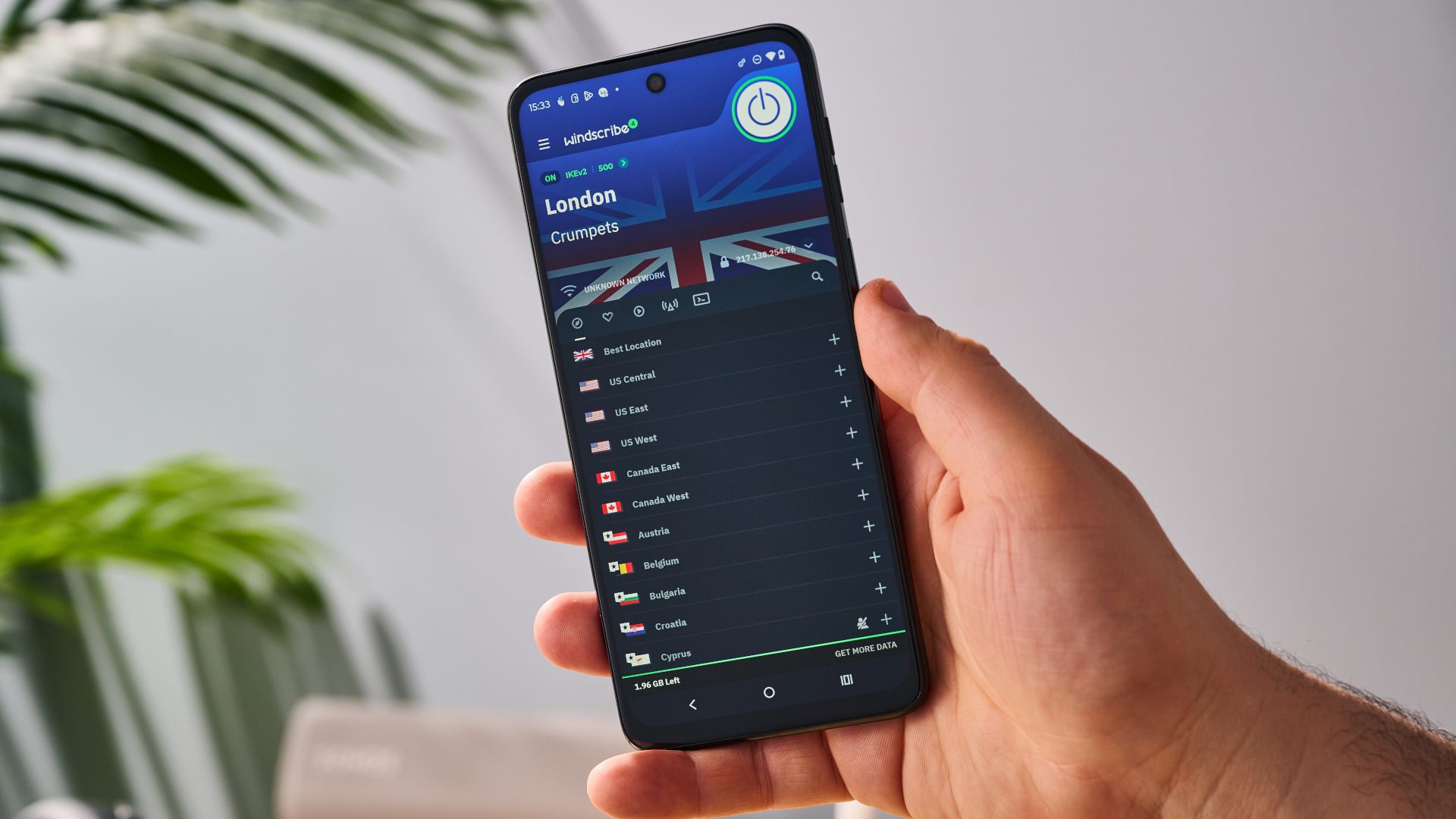
I wanted one boring fact every morning: does a real video on a Polish streaming site play for 60 seconds when the request comes through a VPN server in Poland?
Not "does the page return 200". Not "is the IP Polish". Does the player get past the ads, start the real programme, and keep playing.
The whole thing runs on a free GitHub Actions runner, once a day, and writes a JSON file plus a screenshot. It took a day to build, and most of that day went into six traps. Here they are.
Trap 1: wg-quick wants root, and you don't want the whole runner on the VPN
The obvious way to use a WireGuard config is wg-quick up. That needs root, changes the routing table of the whole machine, and on a CI runner it can cut you off from the things you still need (the artifact upload, git push).
What I wanted was "only the browser goes through the tunnel". wireproxy does that. It is a user-space WireGuard client that exposes a SOCKS5 port:
WGConfig = /tmp/wg.conf [Socks5] BindAddress = 127.0.0.1:25344 Then the browser gets the proxy and nothing else does:
browser = p.chromium.launch( headless=False, proxy={"server": "socks5://127.0.0.1:25344"}, ) No root, no routing changes, and curl --socks5-hostname 127.0.0.1:25344 https://ipinfo.io/json gives you the exit IP for a sanity check before any test starts. If the country is not PL, the run stops and the result is "not tested", not "blocked". Those are different facts and they should never share a status.
Pin the binary and check its SHA-256. You are downloading an executable into CI.
Trap 2: headless Chromium cannot play DRM video
One of the two sites serves its video with Widevine. The classic headless shell has no Widevine CDM, so the player sits on a black rectangle forever and your test reports a block that does not exist.
The Chromium build that Playwright downloads (Chrome for Testing) ships with a WidevineCdm directory. It works, but only in headed mode. On a runner without a display that means Xvfb:
- run: python -m playwright install --with-deps chromium - run: xvfb-run -a python bot/bot.py and headless=False in the launch call. With that, video.mediaKeys is set and currentTime moves.
A nice side effect: screenshots of the DRM video are not black. In headed mode under Xvfb the frame is really composited, so the screenshot is usable as evidence.
Trap 3: the VPN's DNS server blocked the ads, and the site blocked me back
First real run through the VPN: both sites showed an "adblock detected" wall. No ad blocker was installed.
The WireGuard config had a DNS = line pointing at the provider's resolver, and wireproxy honours it. That resolver did not resolve the ad domains. No ads means no preroll, and both players refuse to start the programme without the preroll.
I confirmed it with two curls through the same tunnel, one resolving through the proxy and one resolving locally:
# resolves via the tunnel's DNS -> fails curl --socks5-hostname 127.0.0.1:25344 https://securepubads.g.doubleclick.net/tag/js/gpt.js # resolves locally, connects via the tunnel -> 200 curl --socks5 127.0.0.1:25344 https://securepubads.g.doubleclick.net/tag/js/gpt.js The fix is one re.sub on the config before it is written to disk:
conf = re.sub(r"(?m)^DNS\s*=.*$", "DNS = 1.1.1.1", wg_conf) This one matters beyond CI. A user who imports the same config file into a WireGuard app gets the same wall and will blame the streaming site.
Trap 4: "the video is playing" is true during the ads
My first check was "is any <video> element advancing". It passed in ten seconds. It was the preroll.
One site plays about two and a half minutes of ads before the programme. The ad clips are plain MP4 URLs. The real programme is always attached through Media Source Extensions, so its currentSrc starts with blob:. That gives a cheap and stable rule:
VIDEO_JS = """() => Array.from(document.querySelectorAll('video')).map(v => ({ t: v.currentTime, w: v.videoWidth, drm: !!v.mediaKeys, d: isFinite(v.duration) ? v.duration : 0, src: v.currentSrc || '' }))""" main = [v for v in videos(page) if v["src"].startswith("blob:") and v["w"] > 0] The clock for "60 seconds of playback" starts when a blob: video with a non-zero width first reports currentTime > 0. I compare video time, not wall time, so a stalled player does not pass.
Remember that players live in iframes. Query every frame:
for f in page.frames: try: out += f.evaluate(VIDEO_JS) except Exception: pass Trap 5: one failure is not a block
On day one the same VPN server played the programme four times in the morning, then showed a generic "there was a problem with this material" error twice at noon. Nothing had changed on my side.
So the status model has four values, and a retry in the middle:
- ok: played 60 seconds on the first try
- unstable: failed once, played on the second try
- not working: failed twice
- not tested: the bot could not run the test (no tunnel, wrong country, exception)
I also renamed "blocked" to "not working". The bot can observe that the video did not play. It cannot observe why. A status name should not claim more than the measurement does.
Trap 6: the results commit did not deploy
The workflow commits the JSON and screenshots back to the repo, and the host deploys on push. The first automated commit never went live.
The commit was authored as a made-up bot identity. The hosting platform only deploys commits whose author it can match to a member of the project, so it quietly skipped it. Setting the workflow's git identity to the repo owner's ID+login@users.noreply.github.com address fixed it.
Second lesson from the same step: if you push to the repo by hand while the job is running, its git push is rejected. Rebase first, and let the bot's data win:
- run: | git add site git diff --cached --quiet || git commit -m "Test results $(date -u +%F)" git pull --rebase -X theirs origin main git push (In a rebase, "theirs" is the commit being replayed, which is the bot's.)
What it looks like in the end
One Python file, one JSON config that lists providers and services, one workflow. Adding a provider is a new entry in the config and one repository secret with its WireGuard file. A run takes about twelve minutes, almost all of it waiting for ads.
The output is a latest.json, a history.json, and one WebP screenshot per test. A static page reads them. You can see the live result of today's run here: polskistreaming.pl/wyniki-testow, and the method page lists exactly what counts as a pass: how we test.
If you only take one thing from this: check the thing the user cares about. A 200 response, a Polish IP and a playing ad are three green lights on a test that is actually failing.