At a glance: Microsoft Surface Laptop Ultra

What is it?
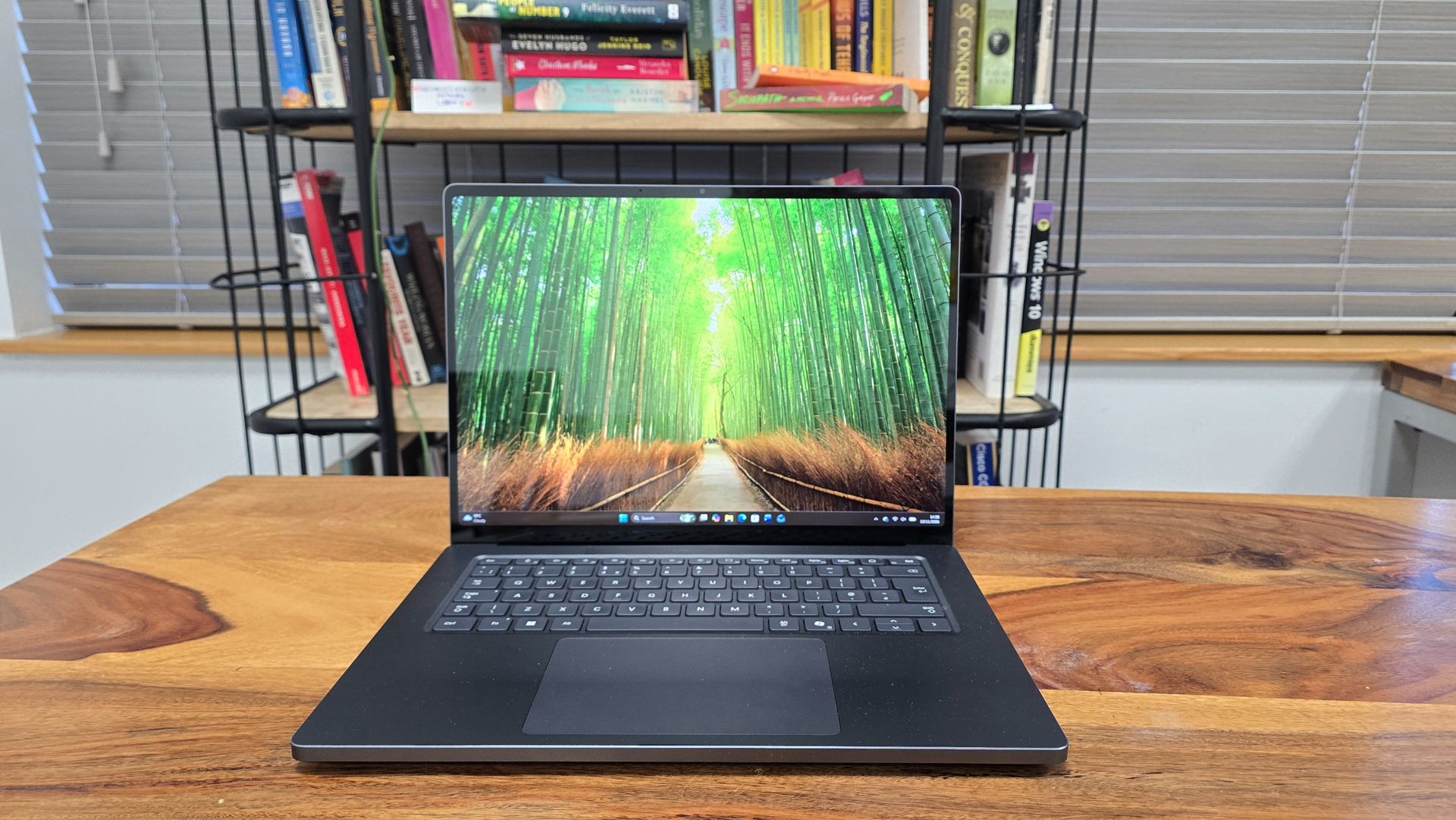
The Surface Laptop Ultra is Microsoft’s first laptop powered by Nvidia’s RTX Spark chip. Surface devices began life as flagship Microsoft products designed to rival Apple’s sleek MacBook and iPad devices. They never hit those kinds of heights, but they did showcase the latest Windows features well. Microsoft had seemed to lose interest in the Surface lineup recently, so it’s great to see this reimagined Surface Laptop with cutting-edge hardware.

What does it cost?
Brace yourself. Like other RTX Spark-powered laptops, the Surface Laptop Ultra is a powerful, premium device aimed at creative professionals and built for heavy AI workloads, and the price reflects that. It starts at $2,599.99 / £2,599 / AU$4,399 for the base model, which will put it out of reach for many people. You should view this more as an investment in a work tool than a new laptop to browse the web with.

Alternatives
The Microsoft Surface Laptop Ultra launched alongside a number of RTX Spark-powered laptops from rivals, including the Asus ProArt P16 RTX Spark, all of which are premium laptops with powerful RTX Spark hardware aimed at professionals. Each model varies to some degree, and Nvidia seems especially taken with the Surface Laptop Ultra (possibly due to the close partnership between the company and Microsoft). Still, it means the Surface Laptop Ultra has launched into an already-crowded marketplace, and Apple has just released its 16-inch MacBook Pro with PROLED XDR touchscreen display.
Microsoft Surface Laptop Ultra review: Value for money
As with other RTX Spark laptops and the latest MacBook Pro with PROLED XDR Display, the Surface Laptop Ultra’s value-for-money proposition will really depend on your professional workload. This is absolutely not a laptop for general day-to-day use. Even if you're a creative professional, with the laptop starting at $2,599.99 / £2,599 / AU$4,399 for the base model, you’ll need to think carefully about whether this is the right laptop for your needs.
The base model comes with the Nvidia RTX Spark N1X chip, 24GB of unified memory and 512GB SSD. The N1X chip is made up of an Nvidia Blackwell RTX GPU with 5,120 CUDA cores and an 18-core Nvidia Grace CPU. The unified memory is shared between graphics and compute, much like Apple’s M-series chips (which, along with the RTX Spark, are based in Arm architecture).
This is rather a lot of jargon, but basically the N1X chip is an extremely powerful bit of silicon that specializes in graphically intensive workloads, such as rendering complex 3D scenes, as well as on-device AI. Because of this, you should really consider what kind of tasks you’ll be using the Surface Laptop Ultra for, as there are more affordable laptops out there for most needs.
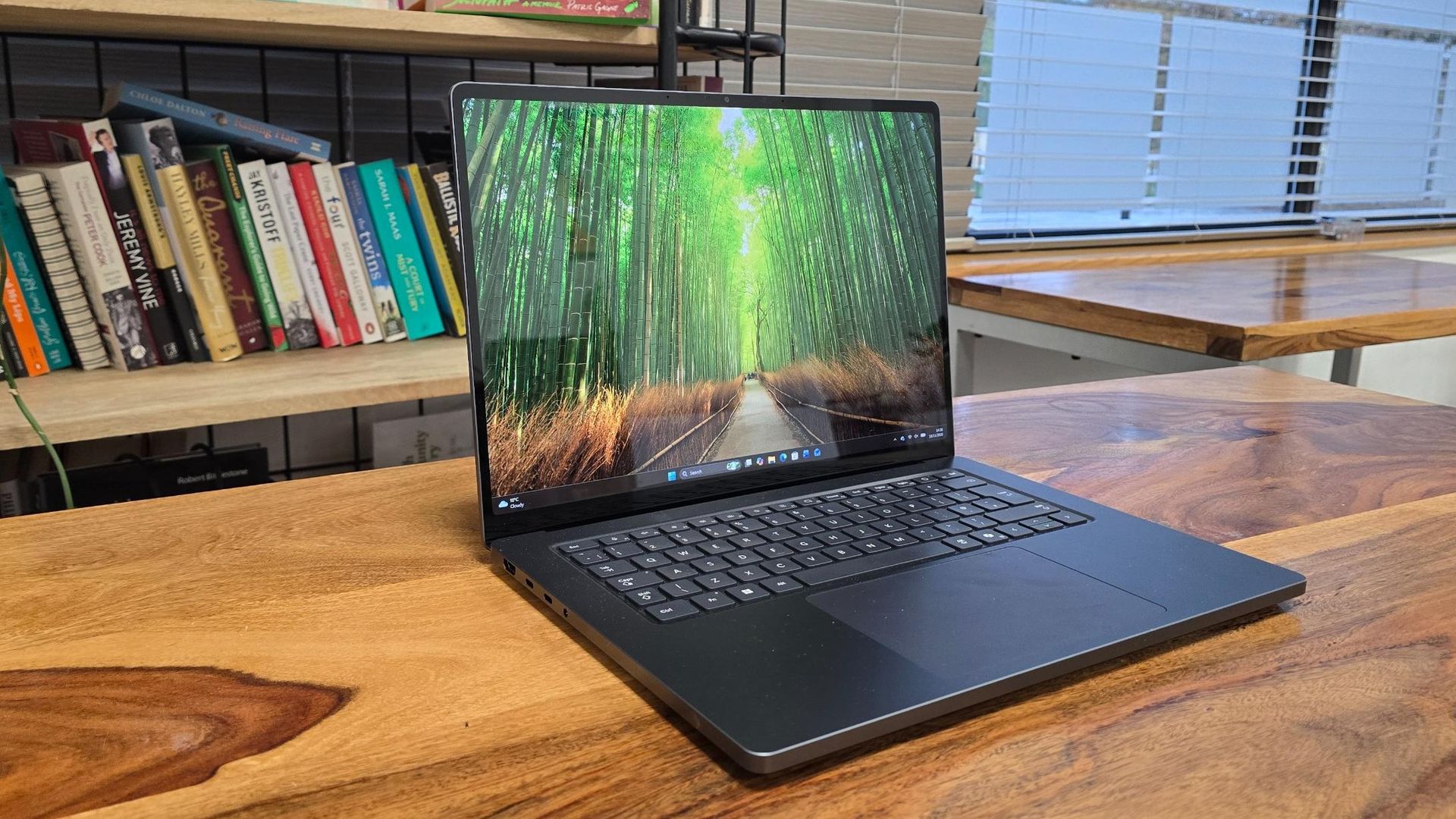
One thing that stands out about the specs of the Surface Laptop Ultra’s base model is the 512GB SSD, which feels rather paltry for such an expensive laptop, especially one aimed at creative professionals who will likely have lots of very large files. With Windows 11 taking around 100GB alone, this machine could fill up quickly — it’s a surprising (and disappointing) choice.
The Surface Laptop Ultra’s biggest competitor, the 14-inch MacBook Pro with PROLED XDR Display, starts at $2,899 / £2,899 / AU$4,599. That is more expensive, but I would argue it's better value, as it comes with 1TB of storage (better for working with large files) and its tandem OLED screen is much better than the PixelSense Ultra display of the Surface Laptop Ultra.
So, does the Surface Laptop Ultra offer value for money? That will really depend on whether or not you need a workstation laptop for heavy-duty workloads, especially graphic design and local AI — and even then, there are alternatives that could save you time and money in the long run, despite a higher initial outlay.

So, the Surface Laptop Ultra’s value will really depend on whether you need a workstation laptop for heavy-duty workloads, especially graphic design and local AI, though there are alternatives that could save you time and money in the long run, even if they come with a higher initial outlay. View Deal
Microsoft Surface Laptop Ultra review: Design
- Solid and stylish design
- Arguably a bit boring-looking
- Good selection of ports
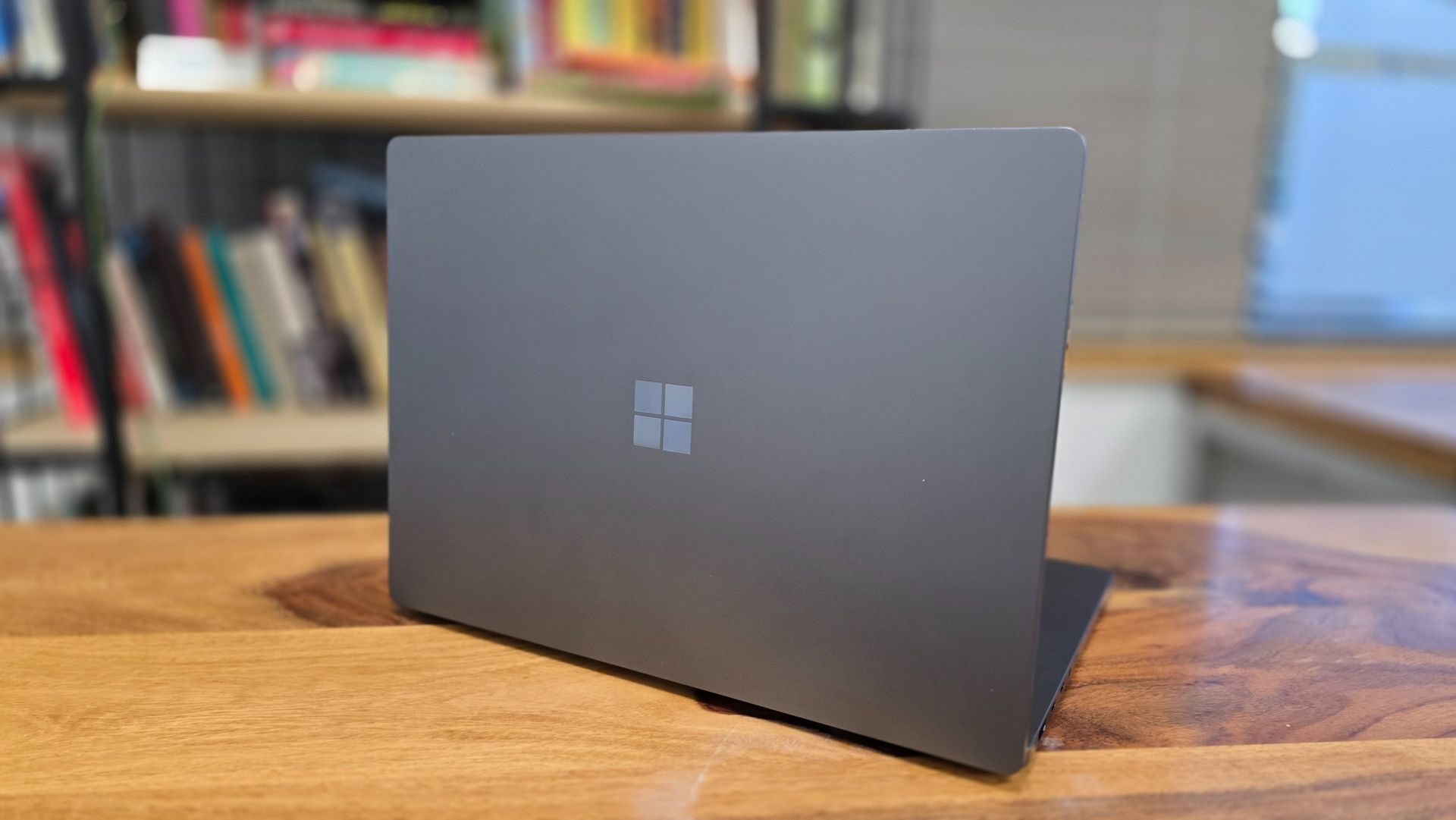
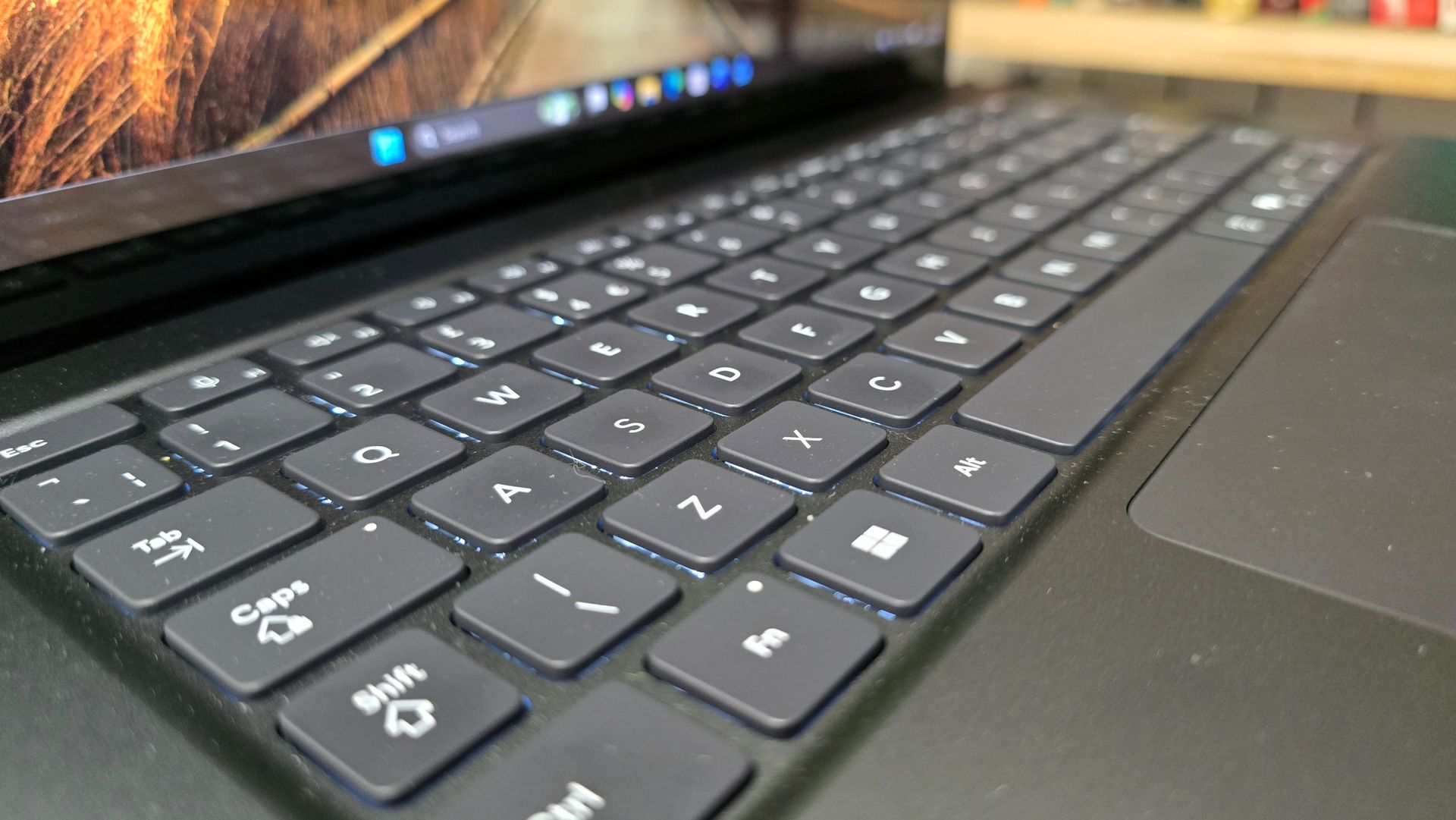
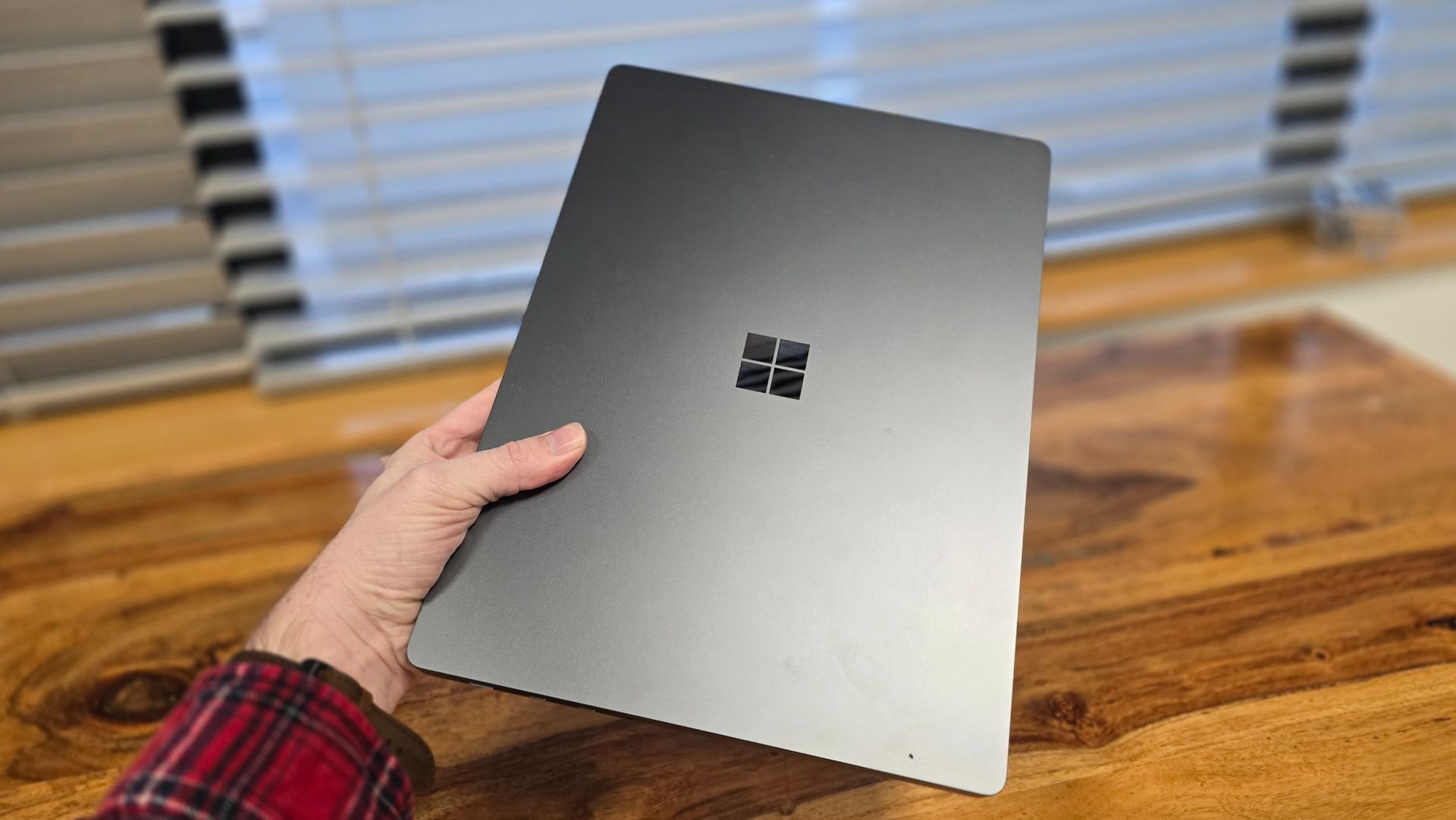
The Microsoft Surface Laptop Ultra certainly looks like a Surface device. What I mean by that is that it looks and feels solid and premium, with a minimalist, professional look that means you won’t be embarrassed using it in an office or studio, or taking it out in front of clients. However, that also means there’s not much to be excited about.
It falls victim to the same issue a lot of premium professional laptops encounter – it looks much like a MacBook Pro, but with a different logo. Again, there’s nothing particularly wrong with that, but it’s getting a bit boring. I include Apple itself in this criticism as well, by the way.
One concern that applies to both the new touchscreen MacBook Pro and Surface Laptop Ultra is that the usability of a touchscreen on a traditional laptop, rather than a 2-in-1 device where the screen can lie flat on a surface or flip around to turn into a tablet-like device, is limited. Although, in the Surface Laptop Ultra’s defence, Windows 11 is much better suited to touchscreen use than macOS currently is. Still, I can’t imagine many professionals making use of the touchscreen that often, especially for tasks where precision is essential. There are RTX Spark-powered laptops, such as the MSI Prestige N16 Flip AI+, that offer 2-in-1 designs (and the MSI can be configured with a tandem OLED touchscreen).

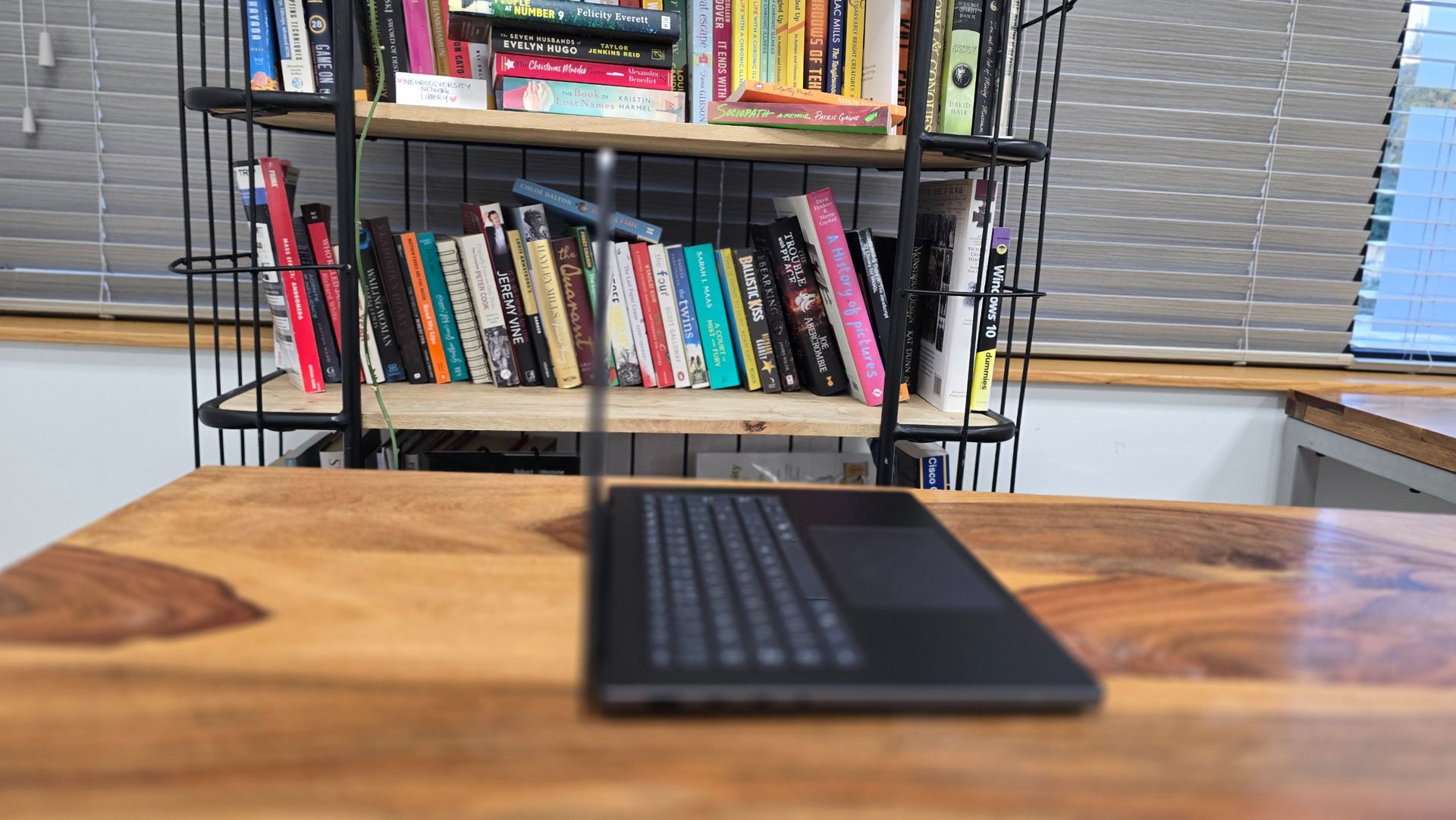
With dimensions of 0.75 x 9.4 x 13-inches (19.05 x 239 x 330mm) and a weight of 4.41 pounds (2kg), it certainly feels durable and well-built, but this does come at the cost of portability. It’s noticeably heavier than the larger 16-inch MacBook Pro (4lbs (1.82kg), and that means it’s not the most comfortable laptop to carry around with you all day. Arguably, this is a desktop-replacement laptop, so power is more important than being thin and light. If you want something you can pop in a bag and not really notice it’s there, this isn’t it.
Having said that, the sturdy build quality meant I never worried about putting the Surface Laptop Ultra in my backpack in case it got damaged.
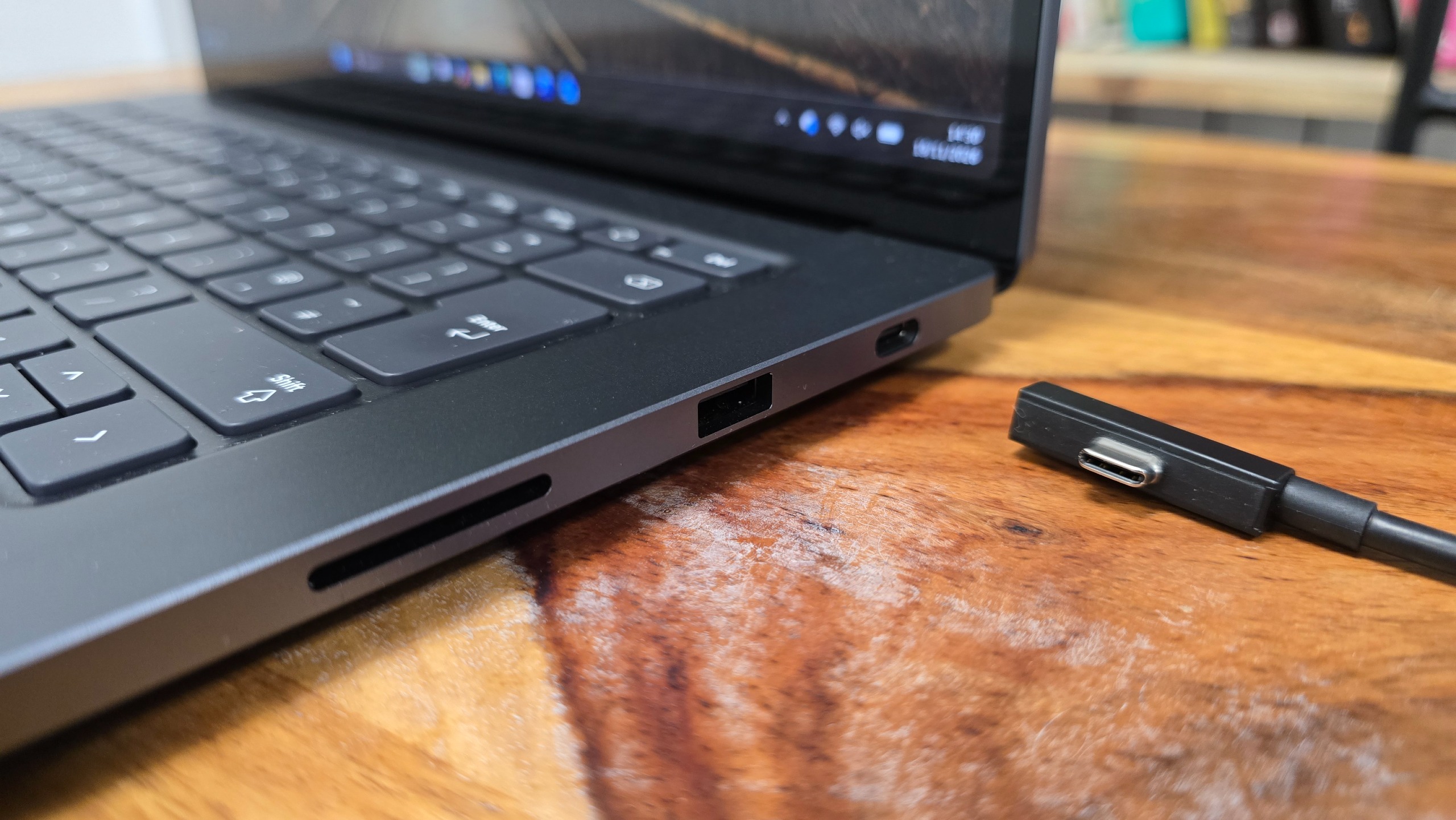
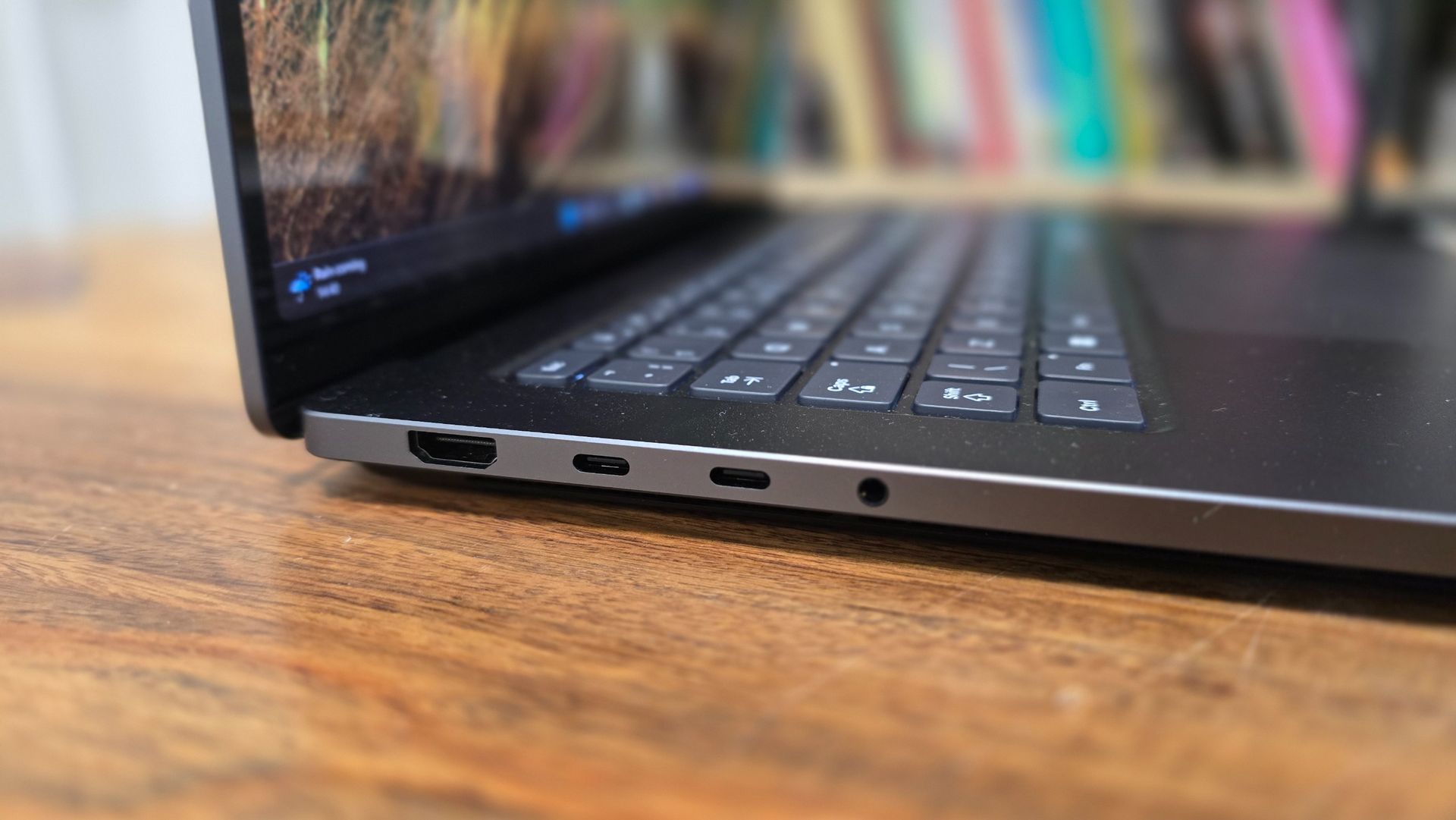
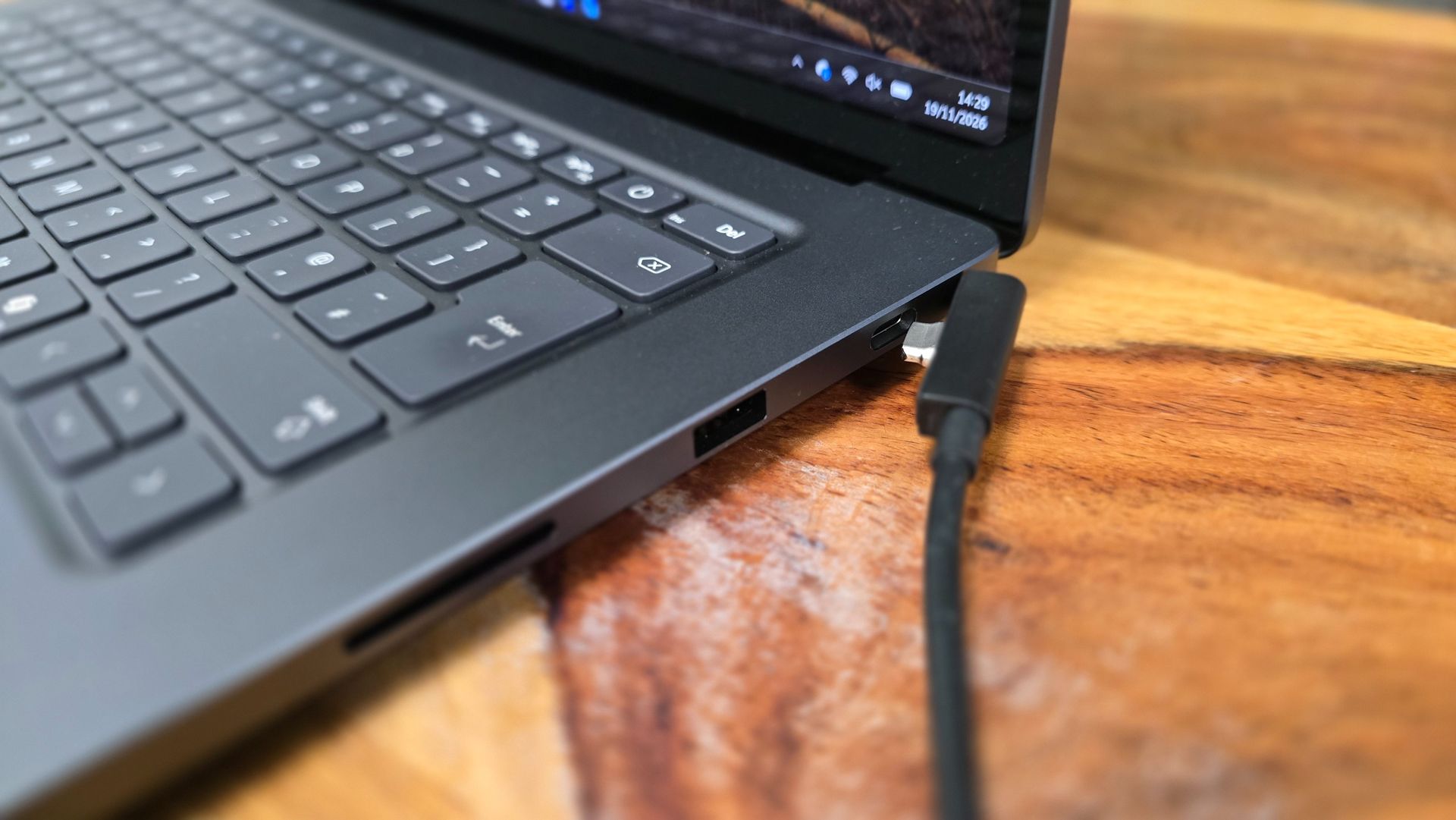
The larger frame also offers space for a decent selection of ports – something that’s essential for professional workstation laptops, but can often be neglected by manufacturers – with three USB-C ports (offering USB4 speeds), a full-size HDMI 2.1b port, a USB-A 3.1 port (handy for people who need to plug in older USB peripherals), an SD card reader and a 3.5mm headphone jack.
This selection of ports means that unless you have a lot of external peripherals to plug in, you won’t need hubs or converters.
The USB-C port on the right-hand side features ‘Magnetic Connect ’, which allows the included USB-C Magnetic Connect cable to connect easily via magnets. Unlike Apple’s proprietary MagSafe port on its laptops, which offers a similar way of connecting, when not used for charging, the Magnetic Connect port acts as a regular USB-C port.
So, it’s more useful than the MagSafe port, which can’t be used for anything else, arguably wasting space, but I’m not quite sure why it’s included. MagSafe, for all its faults, allows a charger to easily connect and disconnect via magnets, so if you accidentally tug the power cable, you don’t damage the laptop. However, USB-C ports are designed to be easy to use (there’s no ‘right-way up’) and hold on to what’s plugged in securely, which kind of negates the point of adding magnets to the port. If you were to pull on the power cable when plugged in, it doesn’t release more easily (or safely) than if it were in any other USB-C port.
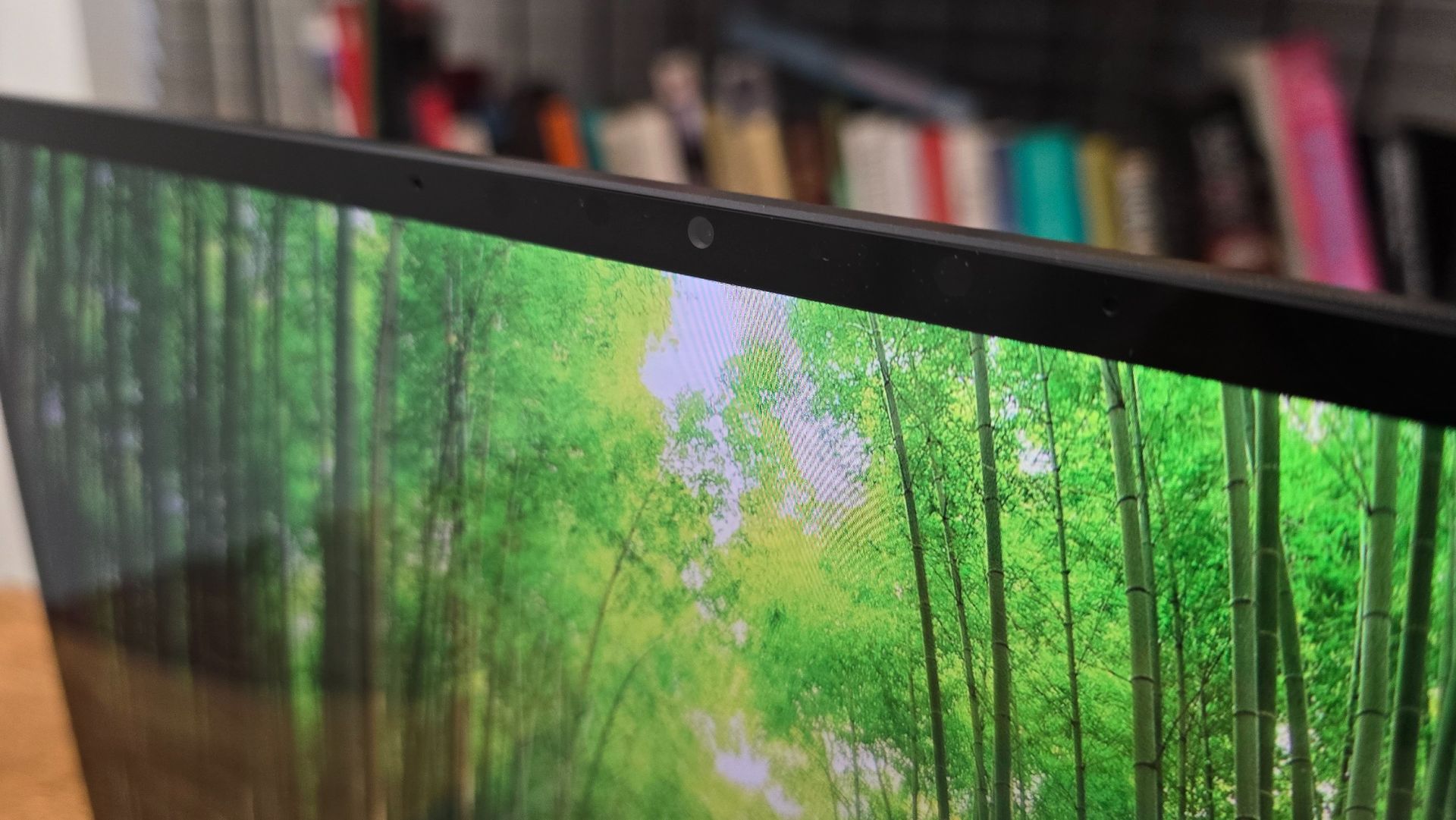
The display is bright, and with its 4K resolution, it’s nice and detailed. As I mentioned earlier, there are better displays on the market (and ones that offer better color accuracy, which is essential for photographers and videographers, in particular), but that’s not to say that the mini LED screen of the Surface Laptop Ultra is poor – far from it. It’s bright and vibrant, and the adaptive (up to 120Hz) refresh rate keeps things feeling smooth and responsive.
My favorite thing about the Surface Laptop Ultra’s design, however, is that its SSD is (relatively) removable, unlike a lot of its rivals (especially Apple), which solder (or glue) on the SSD, making it impossible to replace or repair without voiding the warranty.
With the Surface Laptop Ultra, you can unscrew the bottom of the laptop and access the SSD, as well as the battery and fans, and as long as you have the necessary tools, you can replace or fix these (or have them professionally repaired).

This means that, should something go wrong, depending on the affected components, it should be less expensive to fix – and that should also mean there’s less e-waste, as Microsoft wouldn't need to scrap the entire laptop just because one part is no longer working. It should also make upgrading the SSD easier, which goes some way to addressing my earlier complaints about the rather paltry (for a pro laptop in 2026) 512GB SSD in the base model.
Microsoft Surface Laptop Ultra review: Specs
Specification | Base configuration | Mid-range configuration | Review configuration | Highest configuration | |
Processor | NVIDIA RTX Spark N1X | NVIDIA RTX Spark N1X | NVIDIA RTX Spark N1X | NVIDIA RTX Spark N1X | |
CPU Cores | 18 | 18 | 20 | 20 | |
GPU Cores (Blackwell) | 5,120 | 5,120 | 6,144 | 6,144 | |
Unified Memory (GB) | 24 | 32 | 64 | 128 | |
Storage | 512 GB Gen 4 SSD | 1 TB Gen 5 SSD | 1 TB Gen 5 SSD | 1 TB Gen 5 SSD | |
Ports | 2x USB-C / USB4, 1x USB-C / USB4 (Magnetic Connect), HDMI 2.1b, USB-A 3.1, SD card reader, 3.5 mm jack | 2x USB-C / USB4, 1x USB-C / USB4 (Magnetic Connect), HDMI 2.1b, USB-A 3.1, SD card reader, 3.5 mm jack | 2x USB-C / USB4, 1x USB-C / USB4 (Magnetic Connect), HDMI 2.1b, USB-A 3.1, SD card reader, 3.5 mm jack | 2x USB-C / USB4, 1x USB-C / USB4 (Magnetic Connect), HDMI 2.1b, USB-A 3.1, SD card reader, 3.5 mm jack | |
Weight | 4.41 lbs (2.0 kg) | 4.41 lbs (2.0 kg) | 4.41 lbs (2.0 kg) | 4.41 lbs (2.0 kg) | |
Dimensions | 12.95 x 9.40 x 0.71 in (328.8 x 238.7 x 17.99 mm) | 12.95 x 9.40 x 0.71 in (328.8 x 238.7 x 17.99 mm) | 12.95 x 9.40 x 0.71 in (328.8 x 238.7 x 17.99 mm) | 12.95 x 9.40 x 0.71 in (328.8 x 238.7 x 17.99 mm) |
Microsoft Surface Laptop Ultra review: Performance
- Focused on local AI performance
- General performance is very good
- Gets hot and loud under load
One of the best things about Microsoft’s Surface devices, like Google’s Pixel products, is that because Microsoft also makes the operating system it runs on (Windows 11), the amount of bloatware – additional software that third-party manufacturers often preinstall on their devices – is minimal. While some people (myself included) might argue that the operating system is bloated enough already, this is the closest you’ll get to a stock Windows 11 installation, unless you build a PC yourself and install Windows 11 from scratch.
Microsoft and Nvidia have worked closely together to ensure Windows 11 takes advantage of the RTX Spark’s unique hardware, and that includes tweaks to the Windows scheduler to best make use of the RTX Spark’s CPU cores to boost performance and power efficiency,
The RTX Spark chip also uses unified memory (up to 128GB), so rather than having separate RAM for the CPU and VRAM for the GPU, the memory is included on the chip and shared between CPU and GPU. We’ve seen the performance benefits this brings with Apple’s M-series chips, as the memory can be allocated depending on what tasks you’re performing (so, rendering a 3D scene in Blender, for example, would allow the GPU to make use of more memory).
While the RTX Spark isn’t the first chip for Windows platforms that makes use of unified memory, it’s arguably the most high-profile, so Microsoft has improved Windows 11 support for the technology. These tweaks are available to all RTX Spark laptops, but with the Surface Laptop Ultra acting as a flagship device, and one made by Microsoft, it stands to reason that these tweaks should be most evident here.
Benchmarks
How the Microsoft Surface Laptop Ultra review performed in our suite of benchmark tests
Blackmagic Disk Speed
| Product | Blackmagic Disk Speed Test: Write (MB/s) | Blackmagic Disk Speed Test: Read (MB/s) |
|---|---|---|
| Microsoft Surface Laptop Ultra | 5337 | 5984 |
| Apple MacBook Pro with PROLED XDR Display 16-inch (2026, M5 Max) | 13335 | 12783 |